
GitMir Intelligence
Same AI. Different Intelligence
One reusable understanding of your product for people, AI and systems.
Use it as a model, run it locally, or bring it to every agent across your company.
Full autonomy for AI, without mistakes. Full visual control for people.
Measured on projects GitMir has run · See the benchmarks
Four ways to use the same GitMir foundation.
GitMir Intelligence
One reusable understanding of your product for people, AI and systems.
GitMir GMM-1
Long documents, codebases and data — including inputs that ordinary models cannot take.
GitMir GMM Local
A private 30B GitMir model for codebases and documents. Your data stays on your computer.
GitMir Cloud Compute
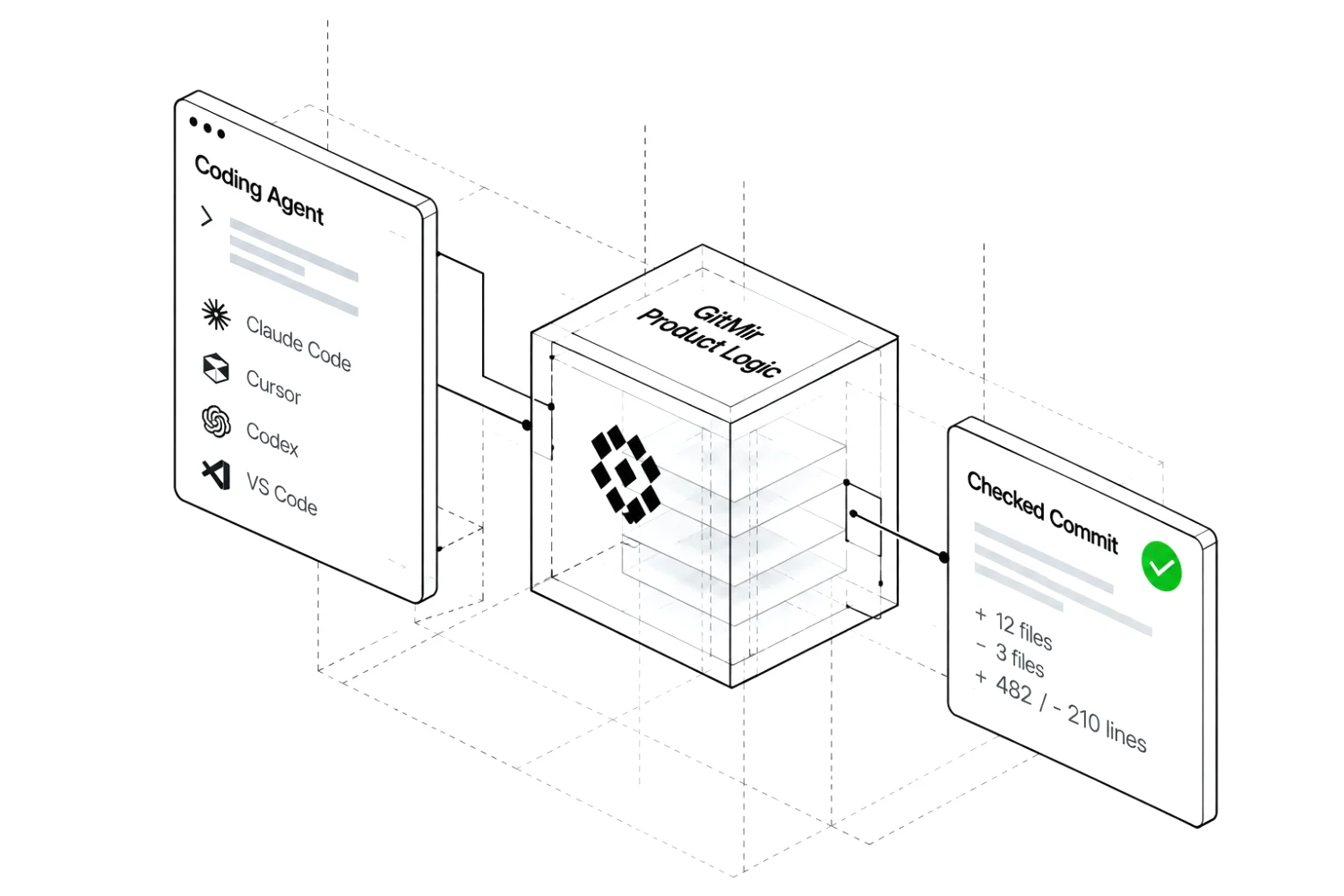
Accepted work in. A commit, its checks and what changed come back.
What happens after GitMir
GitMir builds the product model and keeps it current. Agents and teams reuse that understanding across tasks, instead of repeatedly piecing it together from code and documents.
Speed
AI starts with the product already understood instead of spending time reconstructing context.
Autonomy
Intent, rules, dependencies and verification logic travel with the task.
Reliability
Agents work from one explicit source of truth instead of creating a new interpretation on every run.
Economics
Less context, fewer tokens, less review and less rework across every workflow.
GitMir Intelligence at work
See the product your code creates — before, during and after every change.
GitMir delivers a living model of how your product works — directly to your AI via MCP.
Repositories, documents, conversations, services and data go into GitMir Intelligence. Out of it come business logic, features, answers, legal, scheme fragments, decisions, metrics and architecture of Supabase Studio: An unpaid invoice restricts the organization; Billing & Subscription; Where is it riskiest to make a change?
The main areas of Supabase Studio and how they connect; the customer path above lives in Billing & Subscription.
How the business logic of upgrading a plan changes over 4 commits. Commit 00, Instant upgrade: An upgrade changes the plan at once and turns the paid features on in the same moment. Commit 01, Verify the card: “Unlock at once” is gone: the new plan waits for the card check, paid features turn on once payment is verified, and the customer is asked to finish the check. Commit 02, Require owner permission: “Any member can upgrade” is gone: only a billing owner upgrades the plan; a member asks the owner instead. Commit 03, Add confirmation: “One-click upgrade” is gone: the owner confirms the new price before paying; an upgrade confirmation and a sales follow-up are added.
Supabase Studio product map. GitMir opens Billing & Subscription: the customer path “Change an organization's plan”, the status flow “Invoice status” and the rules “An unpaid invoice restricts the organization” and “The spend cap decides whether an overrun costs money or availability”. An unpaid invoice restricts the organization: Billing & Subscription → Organization · Project. The spend cap decides whether an overrun costs money or availability: Billing & Subscription → Usage · Project Settings. Billing & Subscription links to Project (6 links), Organization (4 links), Usage (3 links), Project Settings (3 links).
An illustrative payments company as one model: business logic (onboarding, payments, refunds, invoices, partner payouts, closing accounts), the rules and constraints that govern it — each tied to the code and the policy where it is written — the security layers over it, and the AI agents and people who act inside it. The model finds where a rule is not enforced, and traces one refund from a support agent through approval, roles, card data and the audit log.
What could break if the plan upgrade changes? A pull request changes 4 files; the model shows it reaches 8 areas, 8 records and the customer path “Change an organization's plan”, 6 areas and 3 records of them outside the diff.
An agent asks over MCP: What happens to a paused subscription after 30 days? The answer names the commit the model was built from, 7a3f91c; a newer push, c41e0b8, is not in the model yet, so the answer is marked STALE and the agent is told to say so.
Moving to a paid plan: what we want to change: 8 requirements held against the Supabase Studio model before estimating — 4 already work, 2 contradict the product, 1 new, 1 need a question. The document says “A customer with an unpaid invoice can upgrade right away.”; the product says “It also blocks specific operations elsewhere — deploying a read replica, linking an AWS Marketplace contract, changing plan.”. The document says “Organizations billed through AWS Marketplace can upgrade in the dashboard.”; the product says “Organizations billed through Vercel or AWS Marketplace are sent to those places instead, since the subscription is not Supabase's to change.”.
GitMir read Supabase Studio without being asked: 30 findings, 8 high. 124 move(s) in this product are possible with nothing recorded about who may make them or when — 54 of them on records marked sensitive. Invoice status has 3 states nothing leaves: paid, void, uncollectible. JWT secret rotation has 2 states nothing leaves: restarted_api_services, failed. One service in Project reaches 33 of 34 areas. On push 95954ab81b: Touched the Project record and its status. Pause failed, Restore failed and Provisioning failed still have no way out — check what a person sees there.
An illustrative payments company as one model: business logic (onboarding, payments, refunds, invoices, partner payouts, closing accounts), the rules and constraints that govern it — each tied to the code and the policy where it is written — the security layers over it, and the AI agents and people who act inside it. The model finds where a rule is not enforced, and traces one refund from a support agent through approval, roles, card data and the audit log.
GitMir Global Mind. 8 real products are modelled in public today: Supabase Studio, OpenAI Codex, cal.com, Atlas, Warpdrive, DroneOps Command, Pronto, Faktorio. 10 more public repositories are being modelled now and 95 are in the queue.
Global Mind
GitHub indexes software by source code. GitMir indexes software by meaning.
Explore public modelsOnce the product is understood, GitMir can help build, review and turn decisions into work.
GitMir Vibe
Use GitMir with Claude Code, Cursor, Codex and VS Code.
GitMir Business Review
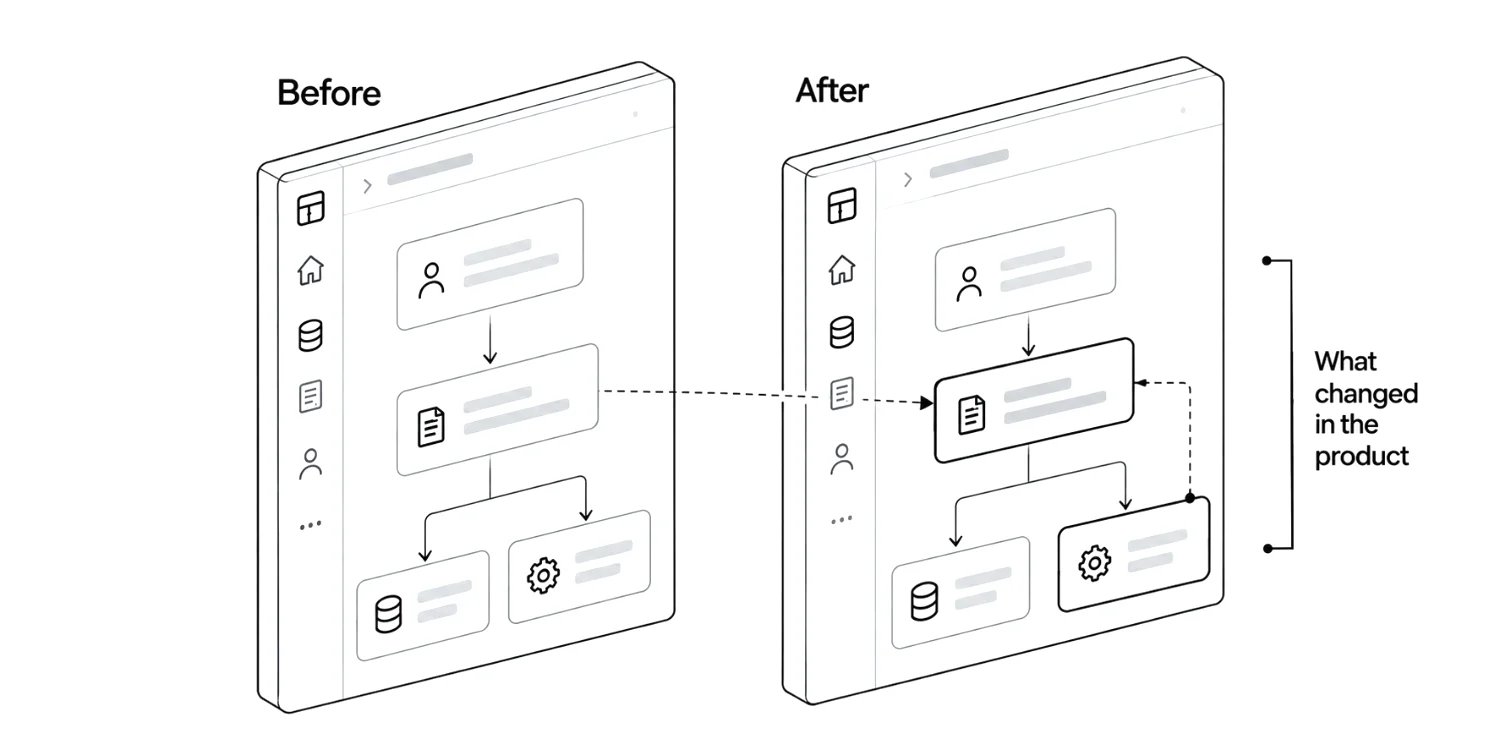
See customer paths, rules, states and records changed by every push.
GitMir MeetAI
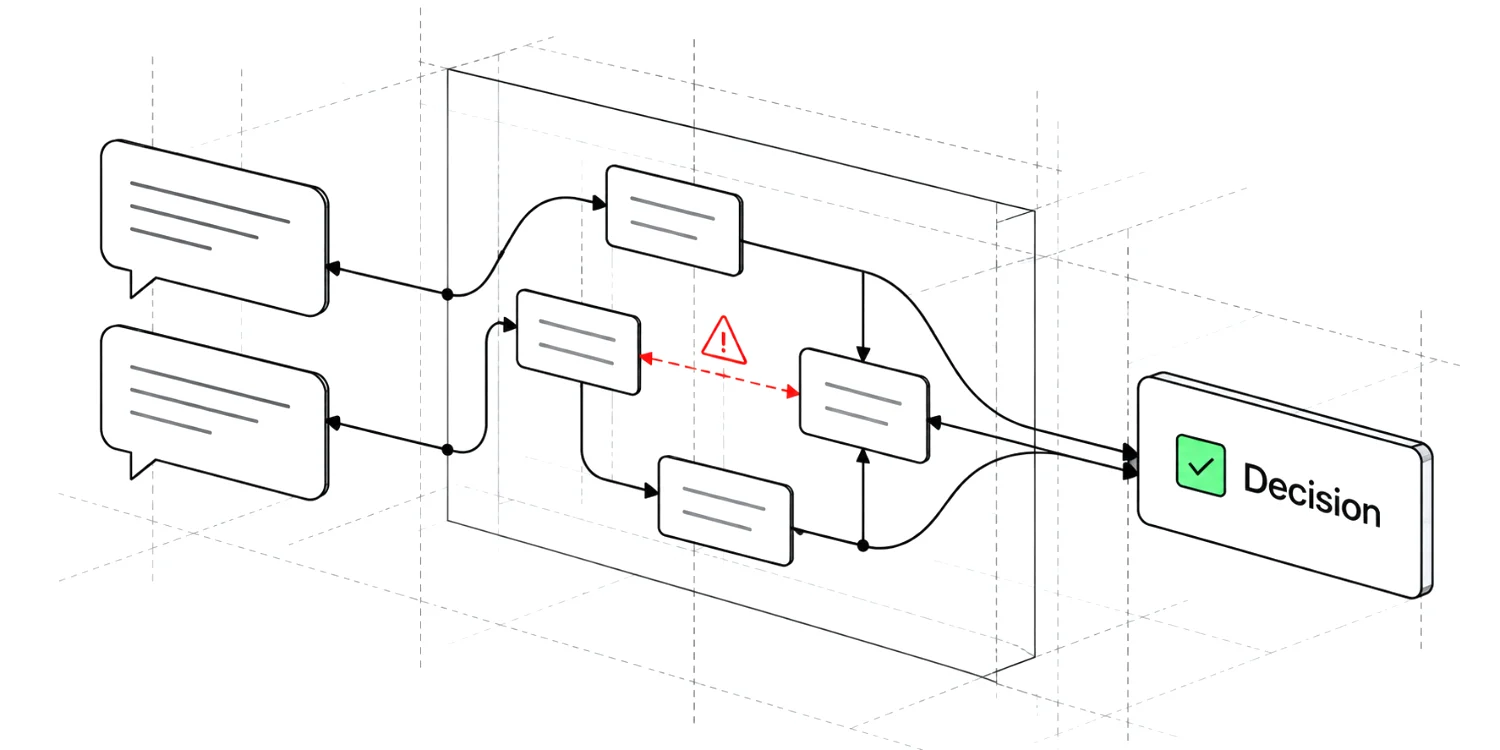
Goals, contradictions and decisions become visible while people talk.
GitMir GoBots
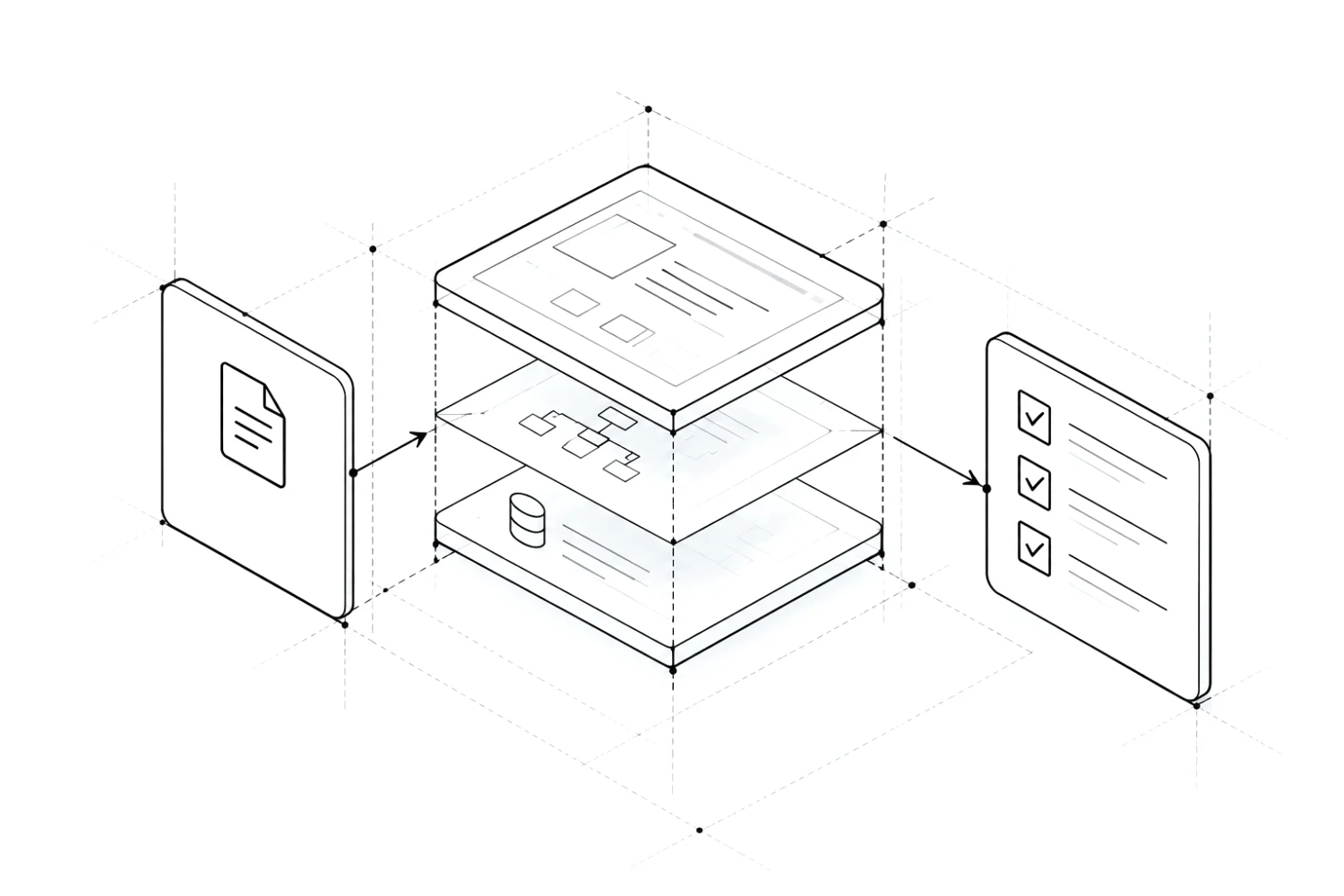
From an idea to market-backed requirements and approved work.
The same system continues past engineering: understand demand, identify the buyer, start the conversation.
Market ICP Outreach
01 · GitMir Market
Alternatives, pains, gaps and opportunities — with sources.
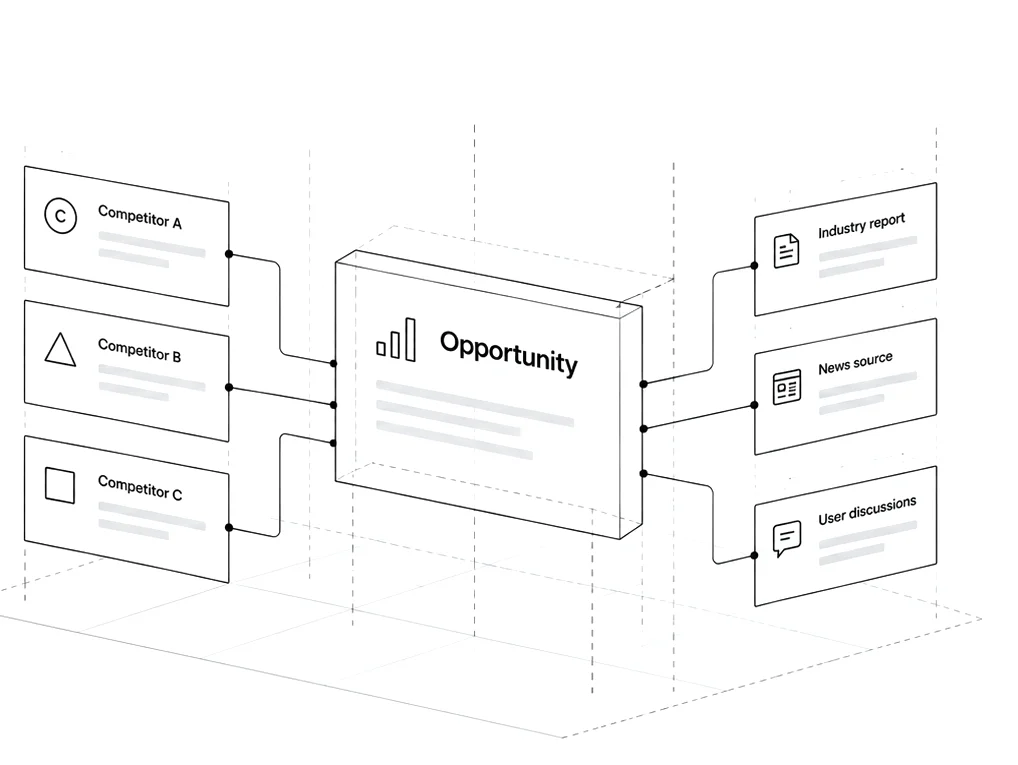
02 · GitMir ICP
Customer profile, buying triggers and companies scored with evidence.
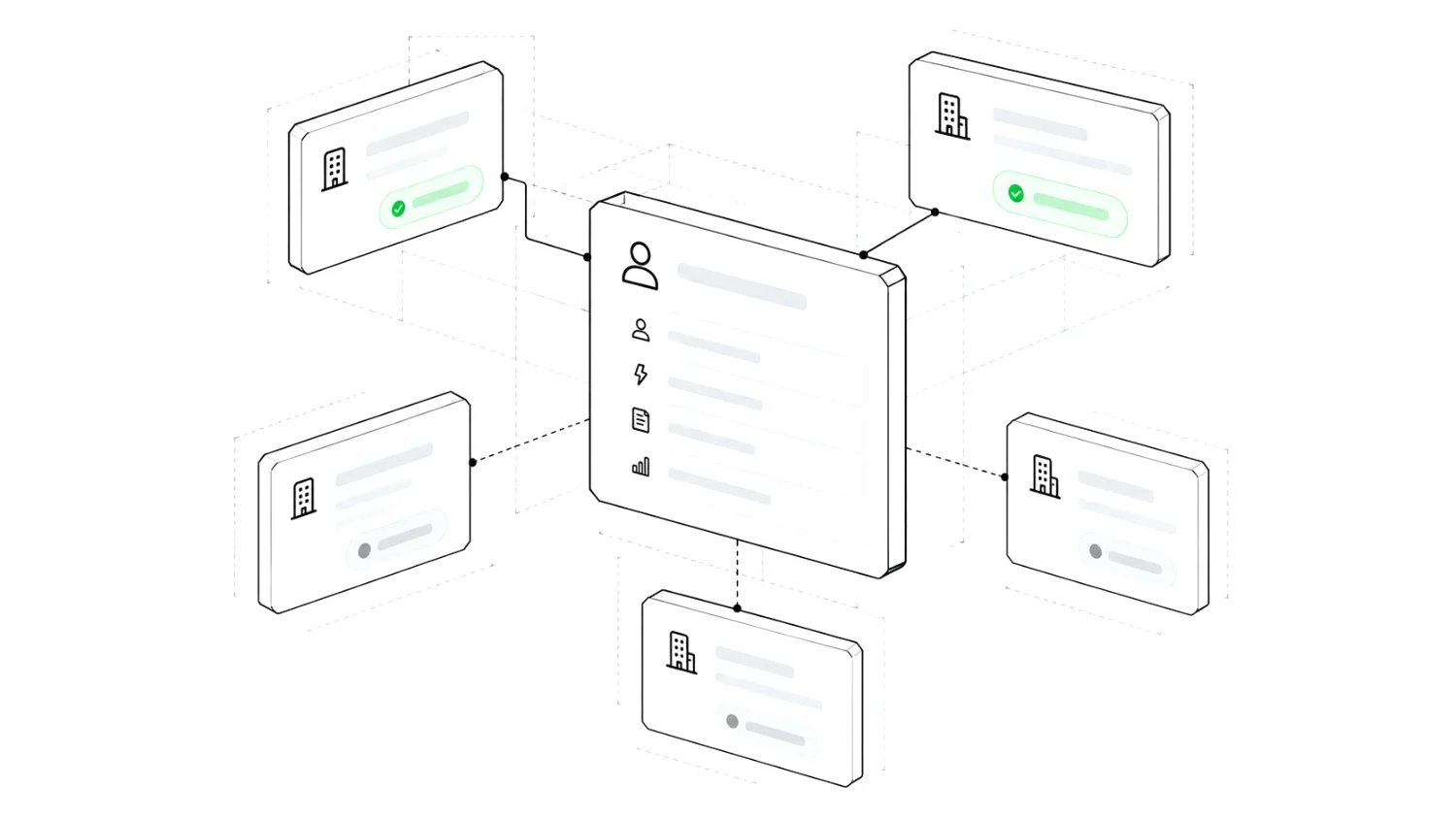
03 · GitMir Outreach
Messages written from each company’s evidence. You approve. You send.
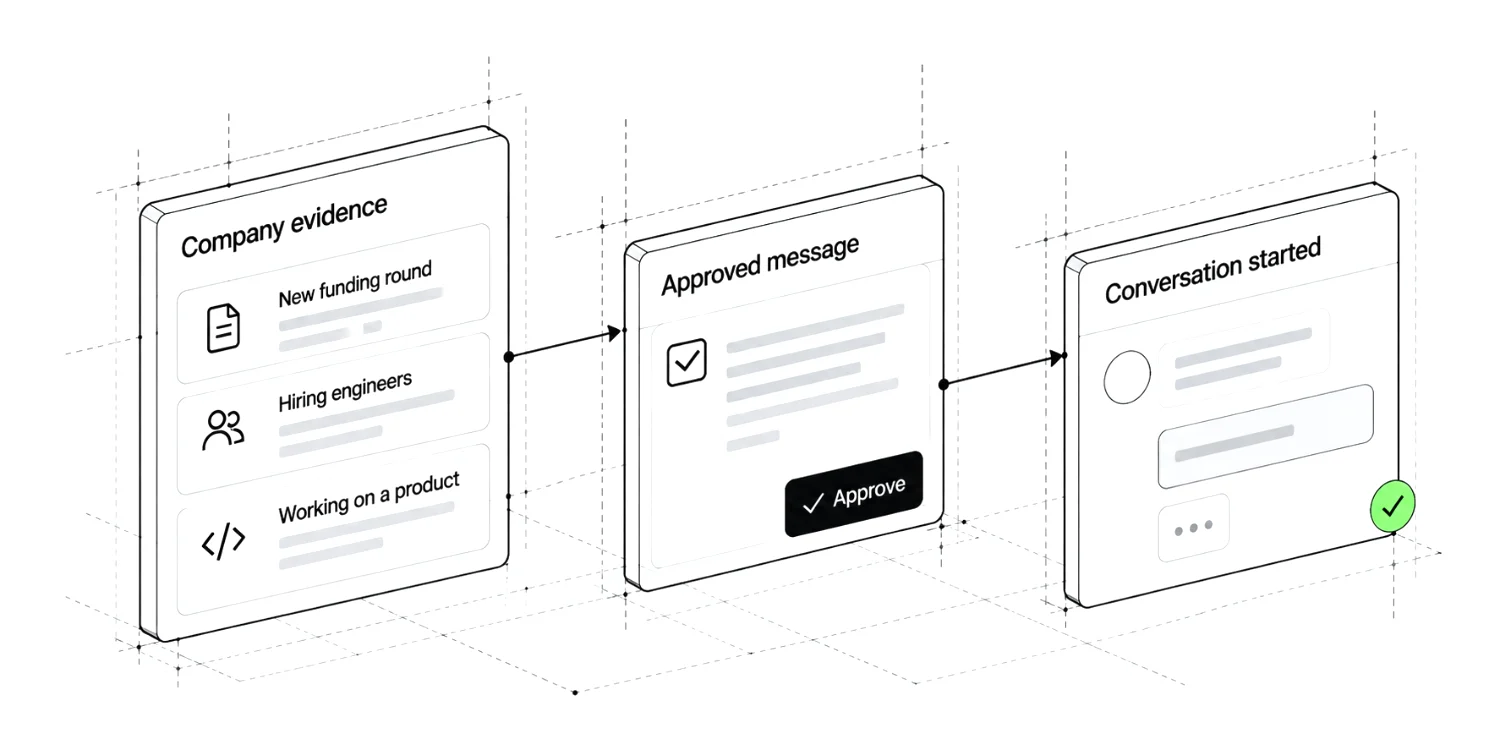
Use cases
Ten team types, from solo founders to private enterprise: where repeated discovery and review cost you, and what to measure.
Business scenarios
Fifteen modelled scenarios from a market gap to revenue: the buyer, the product and the investment.
Works with your tools
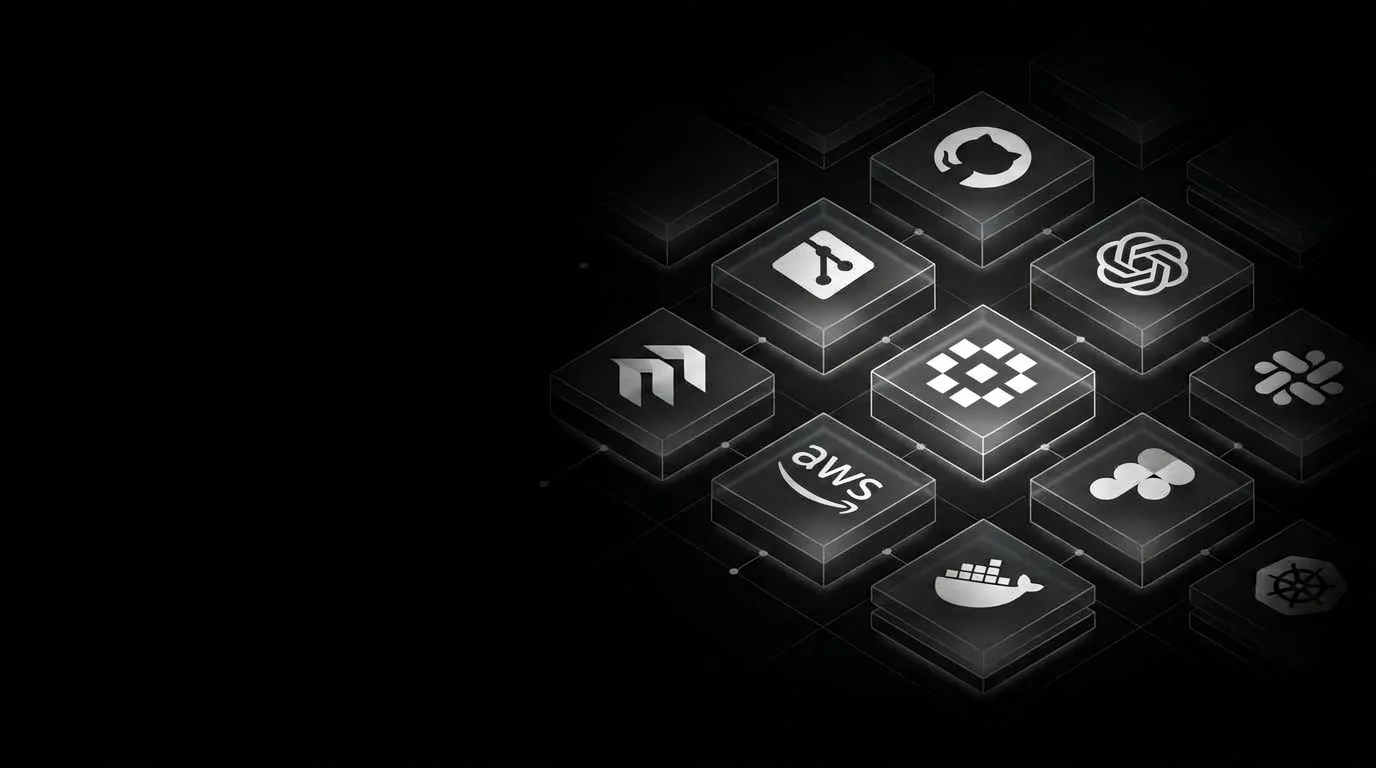
GitMir does not replace the tools your team and agents already use. It plugs into them: agents connect over MCP in one click with a read-only key. Your code stays where you choose: Cloud, Private Source or inside your own boundary.
AI agents · connect over MCP
Your services · work alongside
GitMir Enterprise
Run GitMir’s private model and company Intelligence entirely inside your security boundary.
Your data. Your model. Your Intelligence. Your agents.Nothing needs to leave your infrastructure.
GitMir is not only a product company. We are testing a different assumption about where AI performance comes from.
GitMir Research
Model size is only one part of the system. We study what changes when the information presented to a model becomes smaller, denser, more structured and easier to reason over.
Explore GitMir ScienceResearch directions · work in progress
GitMir is an AI research and engineering platform that gives models and agents a reusable understanding of products, codebases, documents and systems.
No. You can use GitMir with your existing models and agents, or use GMM-1 and GMM Local directly.
It is a current, reusable representation of how a product works — available to people, models and agents.
Yes. GMM Local runs on your machine, and enterprise deployments can keep Intelligence and execution inside your infrastructure.
Use GMM-1 if you want the model, GMM Local if you want local reasoning, Intelligence if you want AI to understand your product, or Enterprise if you want the same layer across the company.
GitMir
From one repository to company-wide Intelligence, local models, autonomous work and a global repository of meaning.
Extract Symbols. Compress Meaning.
 Supabase Studio
 OpenAI Codex
 cal.com
 Claude Code
 Cursor
 Linear
 Jira
Jira CodeRabbit
 Sourcegraph
 Augment